
Free, every season
Coloring books from Pica Pig
A free book to print at home every season, for kids and grown-ups. Each one tells a little story your child finishes, with something true to learn on every page, puzzles to solve and pages to sign and date. No sign-up needed.
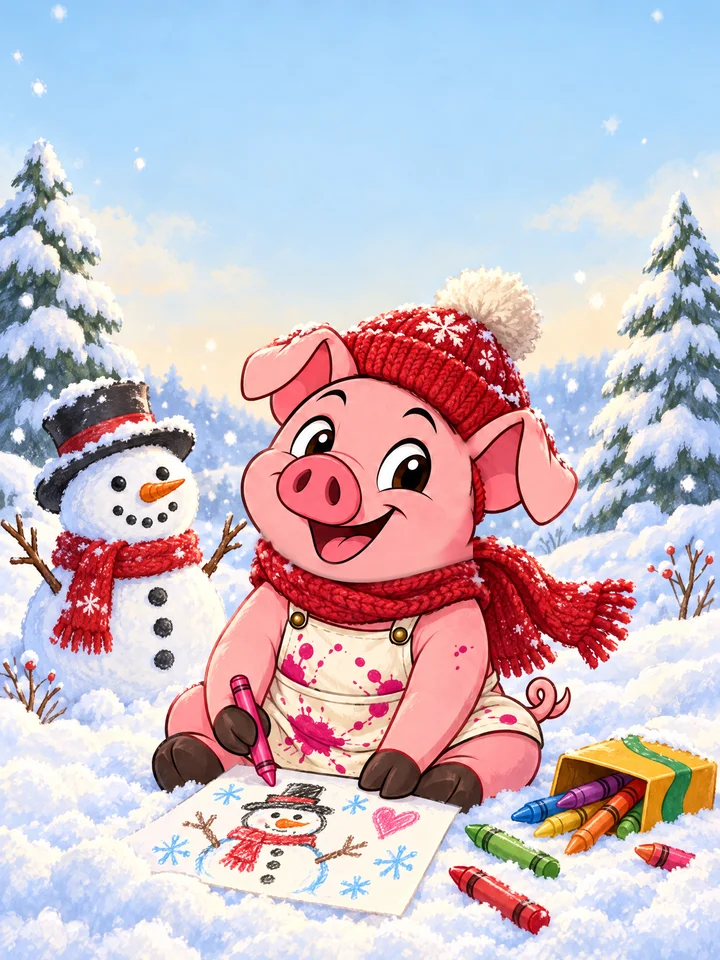
Pica Pig's Winter
Winter 2026 · 21 pages · US Letter PDF
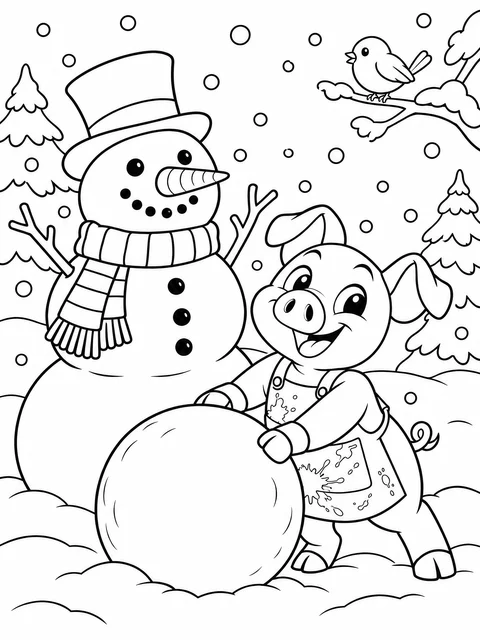
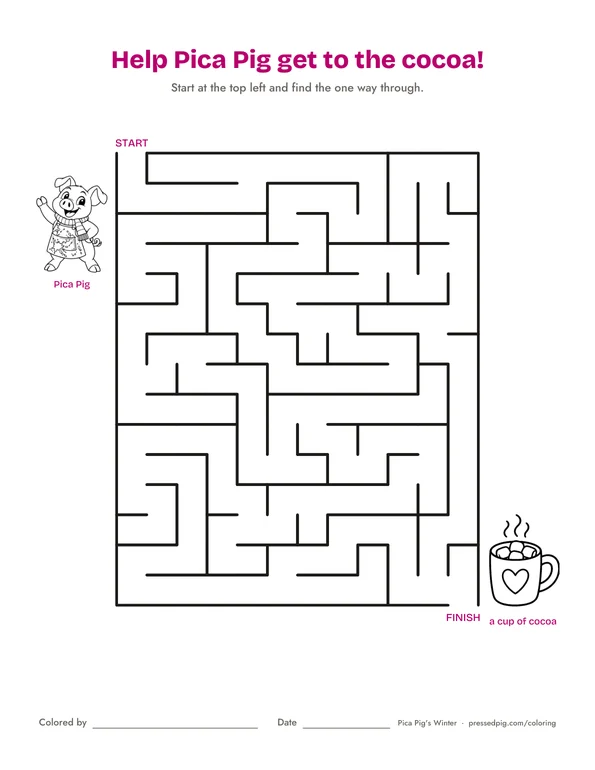
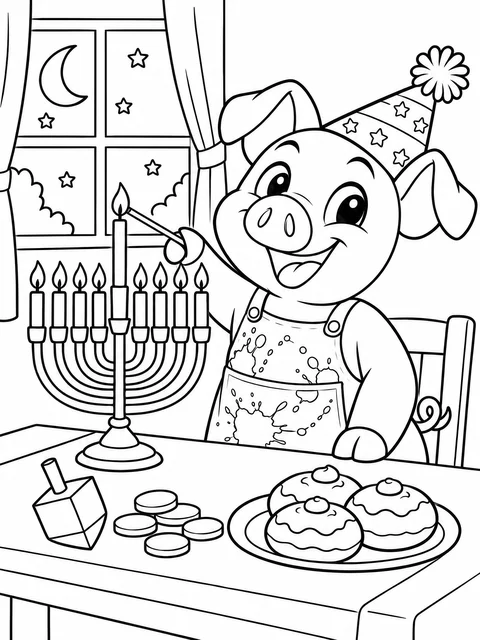
A snow day story to color and finish yourself: build a snowman, go sledding, bake a gingerbread house and ring in the new year with Pica Pig. Then a maze, a word search, a word scramble and a "what's missing?" puzzle, four detailed pages for grown-ups, and the answers at the back.
Download the free bookFree for home and classroom use. Please don't resell.
How to print and make your book
- Print it on Letter paper (8.5 x 11 in). Choose "Actual size" or 100%, not "Fit". One-sided is best, so markers don't show through. Black and white is fine; the cover looks best in color.
- Choose your paper. Paper is sold by weight, in pounds (lb) and grams per square meter (gsm); both are on the package.
- Crayons and colored pencils: everyday printer paper, 20 to 24 lb (75 to 90 gsm).
- Markers: a heavier smooth paper, 28 to 32 lb (105 to 120 gsm), or light cardstock, 65 lb (176 gsm), so the ink doesn't soak through.
- Paint, and a sturdy cover: cardstock, 80 to 110 lb (216 to 300 gsm), smooth and bright white.
- Check the label and your printer: pick paper marked "for inkjet" or "for laser" to match your printer. Most home printers take 65 lb cardstock; for heavier, use the back or single-sheet tray and choose "Cardstock" or "Heavy paper" in the print settings.
- With markers, slide a spare sheet underneath in case the ink soaks through.
- Put it together. Stack the pages in order with the cover on top, then staple twice along the left edge, or punch holes and tie them with yarn or ribbon.
- Just one page? Choose that page number when you print. The answers are on the last pages.
Or color it on an iPad
No printer needed: the same download opens on an iPad. Download it first, choose Save to Files when asked, then pick one of these.
- On any iPad, nothing to install. Open the Files app, open the book, and tap the pen button (Markup) at the top. Choose a marker or crayon and a color, and color with an Apple Pencil or your finger. Tap Done and your coloring is saved in the file.
- In Procreate. In the Gallery, tap Import and choose the book. When Procreate asks, choose Import Separate Pages so each page is its own canvas. Open a page, tap its layer and turn on Reference, then add a new layer and color on that. Drag a color from the top corner into any shape to fill it right up to the lines.
- Other drawing apps that open a PDF or a picture work too. Coloring on a layer of its own keeps the lines crisp.
Show us, for 50 Piggy Bank coins
Grown-ups: share your little artist's finished page and we'll add 50 coins (enough for a free digital card) to your Pressed Pig account, once for each book.
For grown-ups with a Pressed Pig account; children shouldn't post on their own. One reward per book per account. We check each one and add the coins within a few days. Please leave out your child's full name. We only share a page on our own pages if you tell us we may.
Get the next book
A new book comes every season. We'll email you when it's out, along with our holiday order-by dates, a few times a year.